Chromebooks live a hard life. In and out of a schoolbag, dropped between classes, used on the bus, often shared with a sibling. They're built to handle a lot of that, but a bit of care stretches their life well past what most families expect.
The keyboard and hinge take the most damage
Crumbs, spilled drinks and general school-day chaos get into the keyboard more than any other part. A sticky key or two is usually a clean, not a replacement. The hinge is the other weak point, especially once a Chromebook has been dropped a few times.
Battery habits matter for how long it lasts
Chromebook batteries handle daily charging fine, but leaving one plugged in at 100 percent for hours every day does wear it down faster over a year or two. Unplugging once it's charged, where that's practical around a school schedule, helps it last longer.
ChromeOS updates itself, mostly quietly
Unlike Windows, ChromeOS updates rarely cause the kind of slowdown or driver conflict laptops are known for. If a Chromebook suddenly feels sluggish, it's more often a storage or hardware issue than a software one.
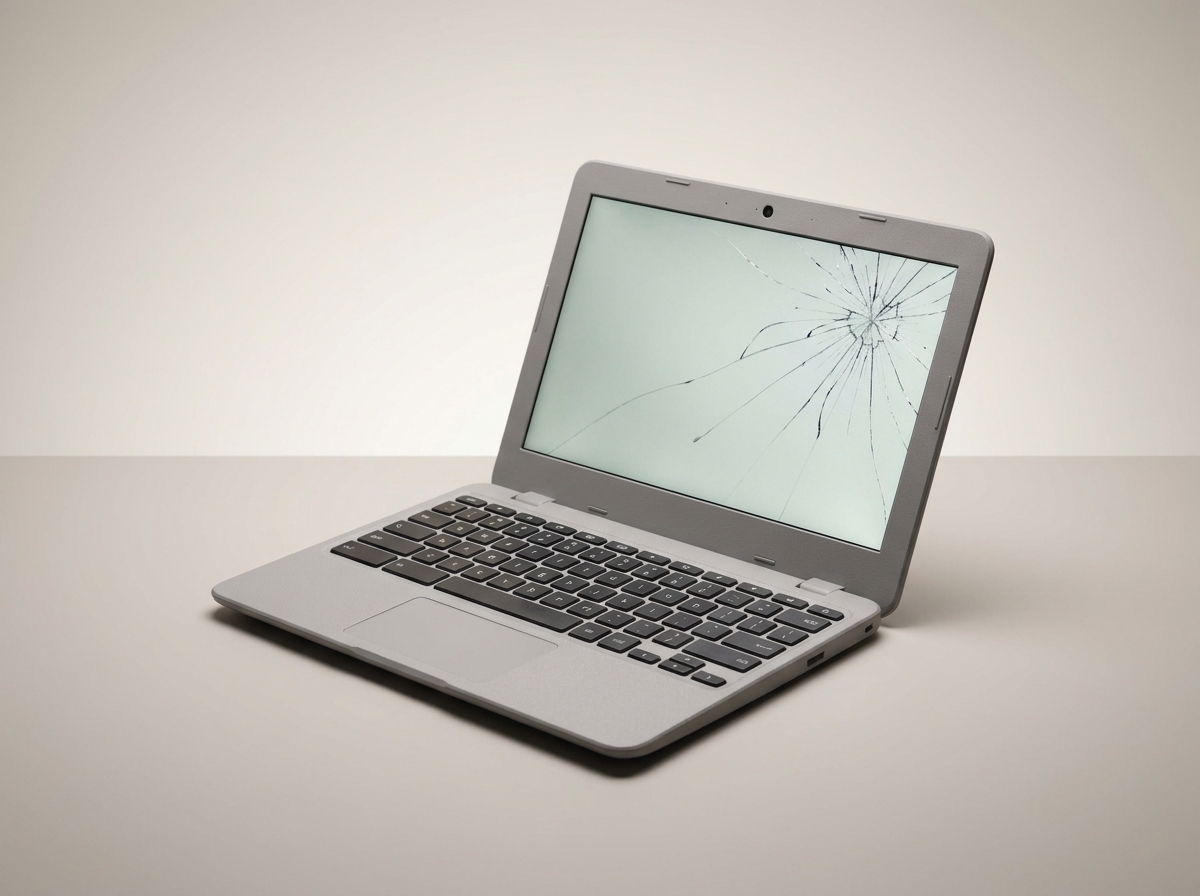
Cracked screens are almost always worth fixing
Chromebook screens are cheaper to replace than laptop screens generally, and the rest of the machine usually still has plenty of life left. A cracked screen is rarely a reason to buy a new one.
Check before you assume it's dead
A Chromebook that won't turn on is often a charging port or battery issue rather than a dead motherboard. Bring it in for a free diagnostic before writing it off. Fast turnaround matters here, since a missing Chromebook means a missing school day.
Need this fixed?
Book a free diagnostic assessment. Same-day repairs available.