
The hinge is the part of a laptop that takes the most physical abuse and gets the least attention. Every open and close cycle puts stress on it, and after a few years, or one drop, it starts to show.
What a failing hinge actually feels like
A creak or grind when opening the lid, a screen that won't hold its angle and slowly droops, or a wobble that gets worse over weeks: these all point to the hinge mechanism or its mounting points wearing out.
Why it doesn't stay a small problem
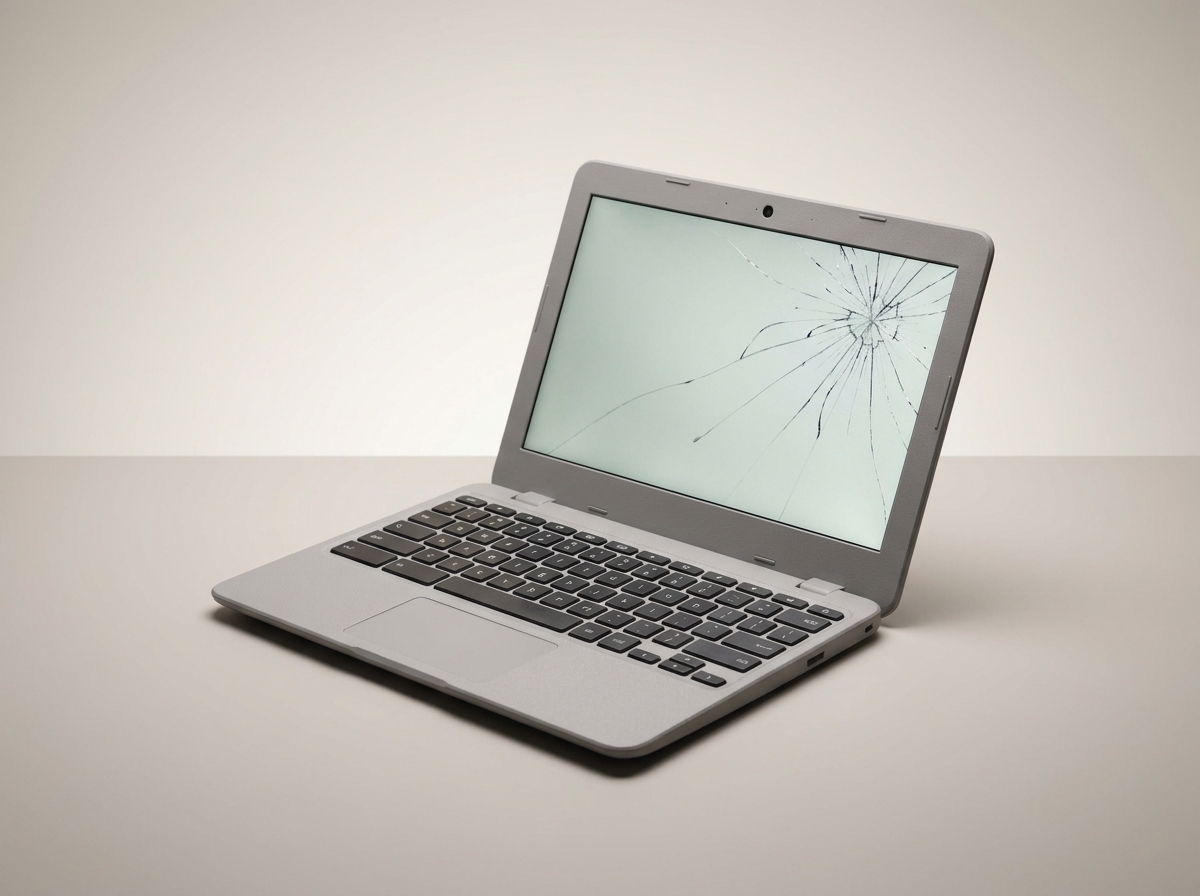
The hinge is bolted into the same thin plastic or metal frame that holds the screen bezel. Once a hinge loosens, every open and close flexes that frame a little more, and eventually the stress cracks the bezel or, worse, the display panel itself.
Loose is different from broken
A stiff hinge that's hard to open is usually a straightforward repair or replacement. A hinge that's already cracked the surrounding plastic needs the mounting area reinforced too. A new hinge screwed into already-damaged material won't hold, and the same problem comes right back.
What to do in the meantime
If you notice a hinge going, open and close the lid gently and avoid picking the laptop up by one corner of the screen. It won't fix anything, but it buys time until it's looked at properly.
The fix is usually cheaper than people expect
Most hinge repairs are done same day and cost far less than the screen or chassis repair that follows if it's ignored. If you've noticed a creak, get it checked before it decides the timing for you.
Need this fixed?
Book a free diagnostic assessment. Same-day repairs available.