Blog
Straightforward advice from our technicians on what to do (and what not to do) before you bring your device in.
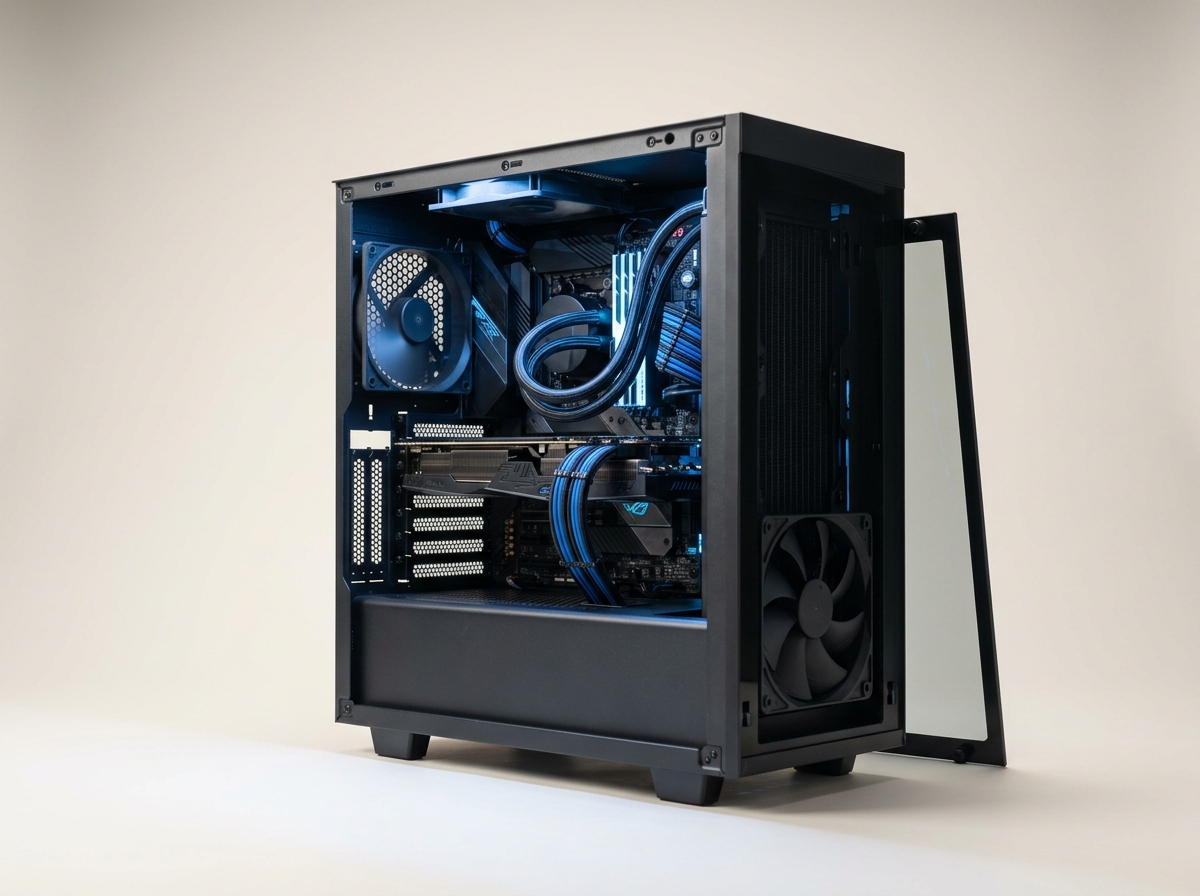
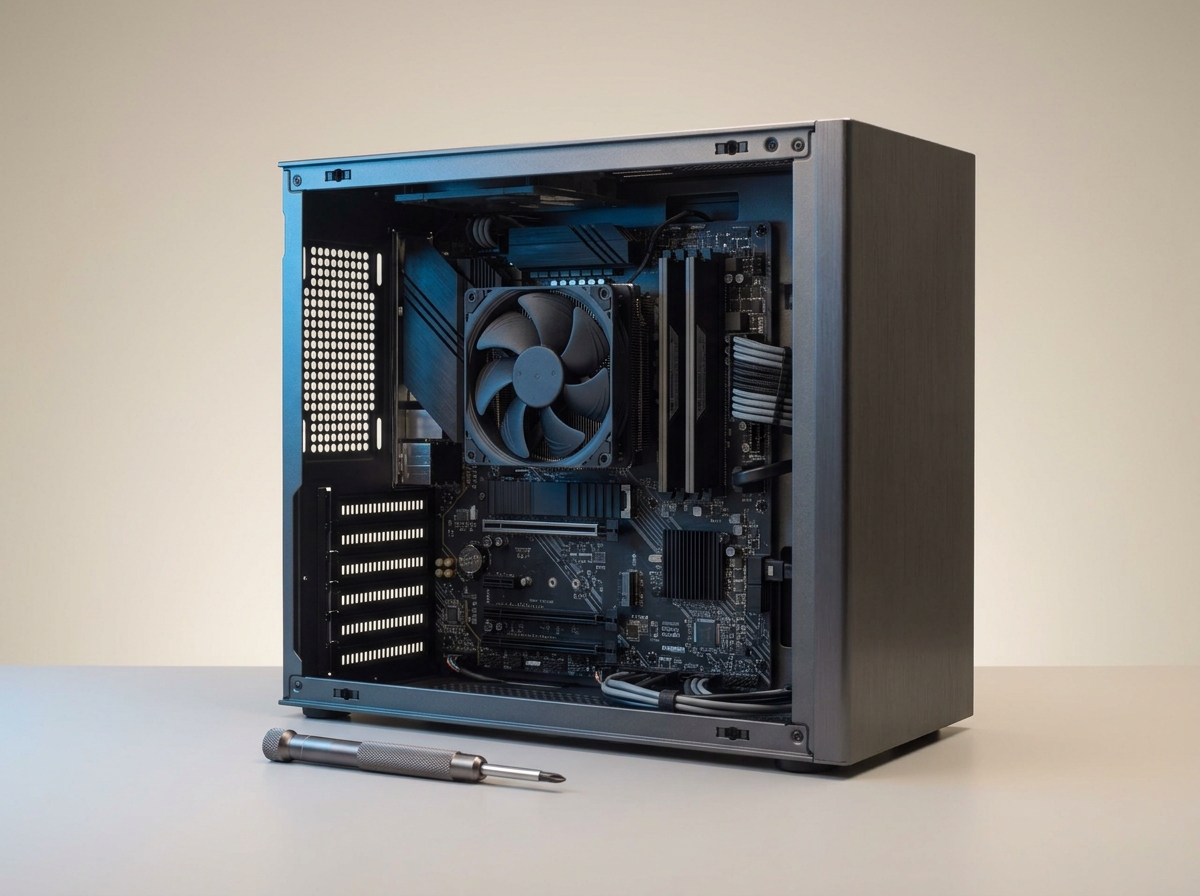
RGB looks great in photos. It won't get you a single extra frame per second. Here's what actually moves the needle in a gaming build.
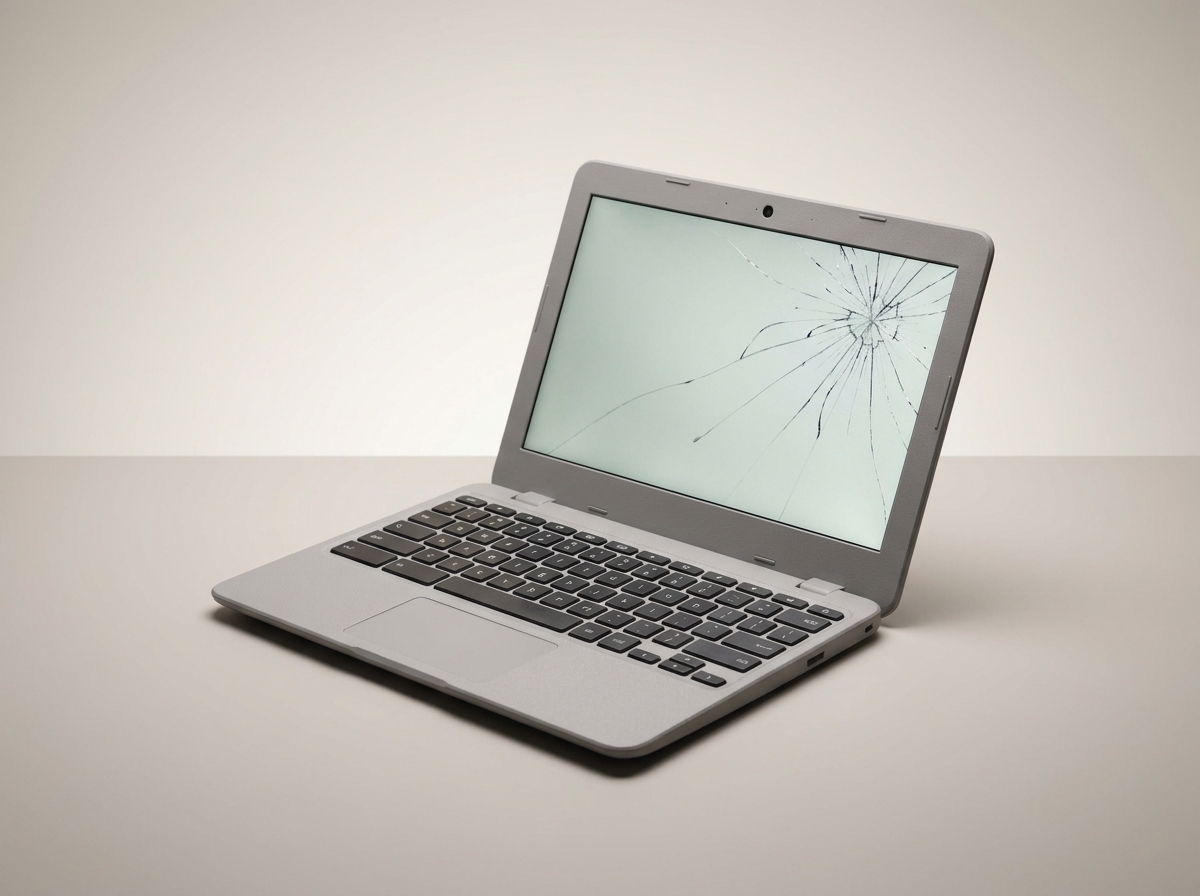
Chromebooks take a beating in a schoolbag. A few habits go a long way, and knowing what's actually worth fixing saves money later.
Before you buy another extender, it helps to know why the signal is actually dropping out.
Most small offices don't need an enterprise IT department. They need a handful of things set up properly. Here's where to actually start.
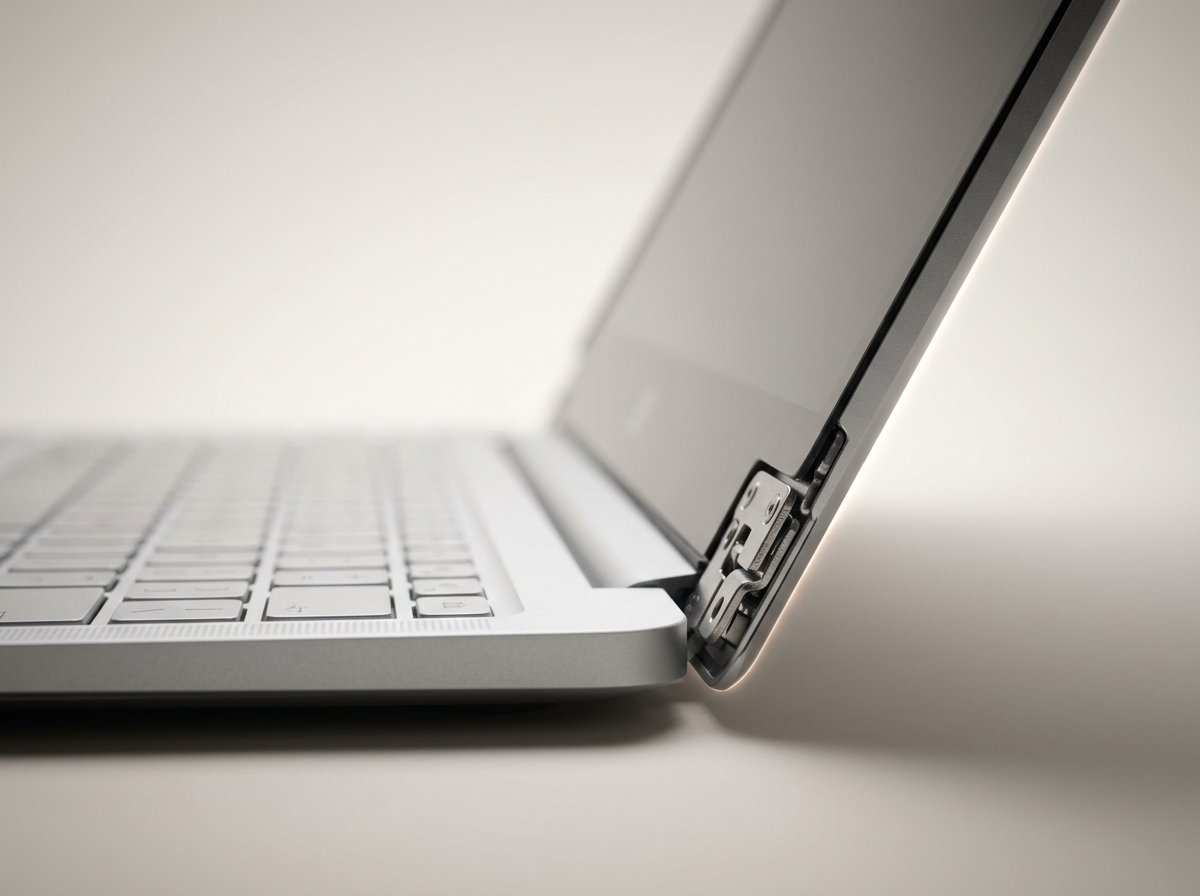
A stiff or wobbly hinge looks minor. Left alone, it's one of the fastest ways to turn a cheap repair into an expensive one.
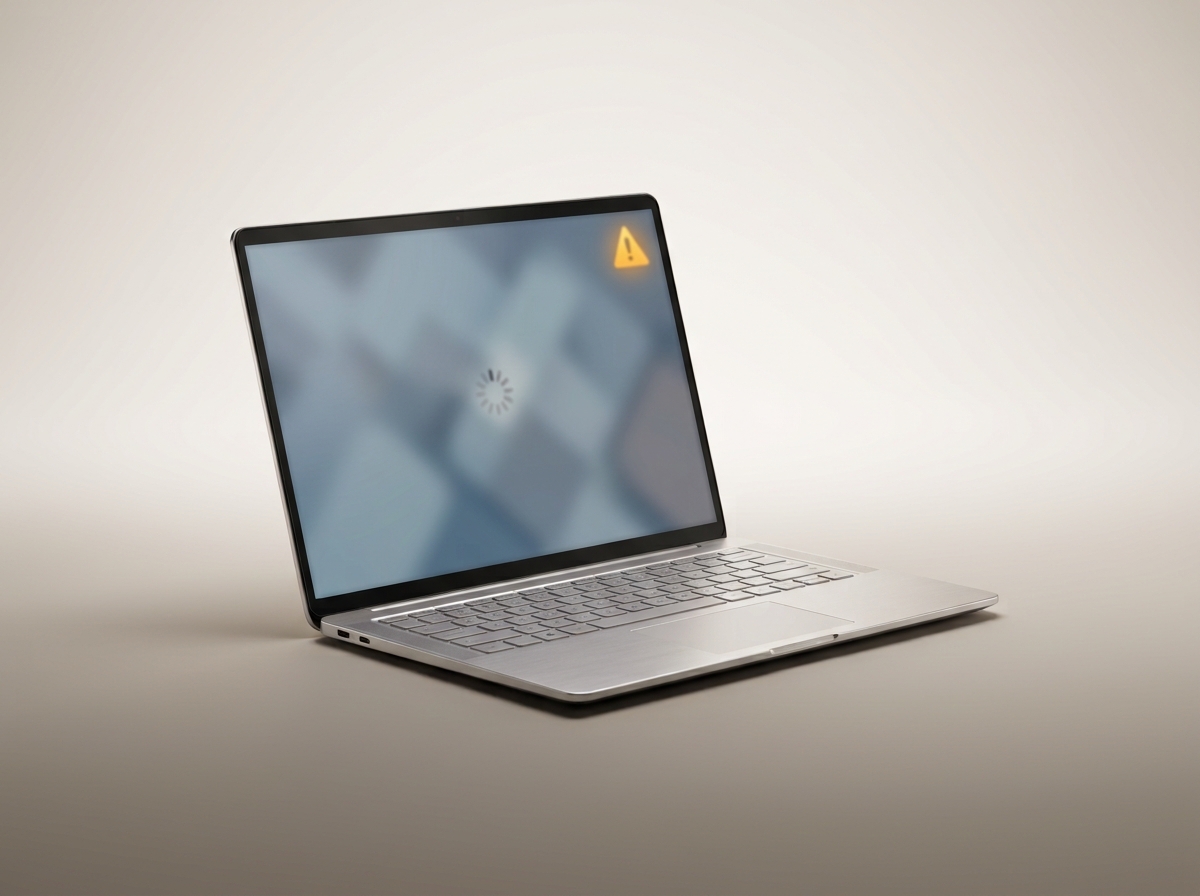
Microsoft keeps pushing the update. Whether it's worth installing on your machine comes down to hardware more than opinion.
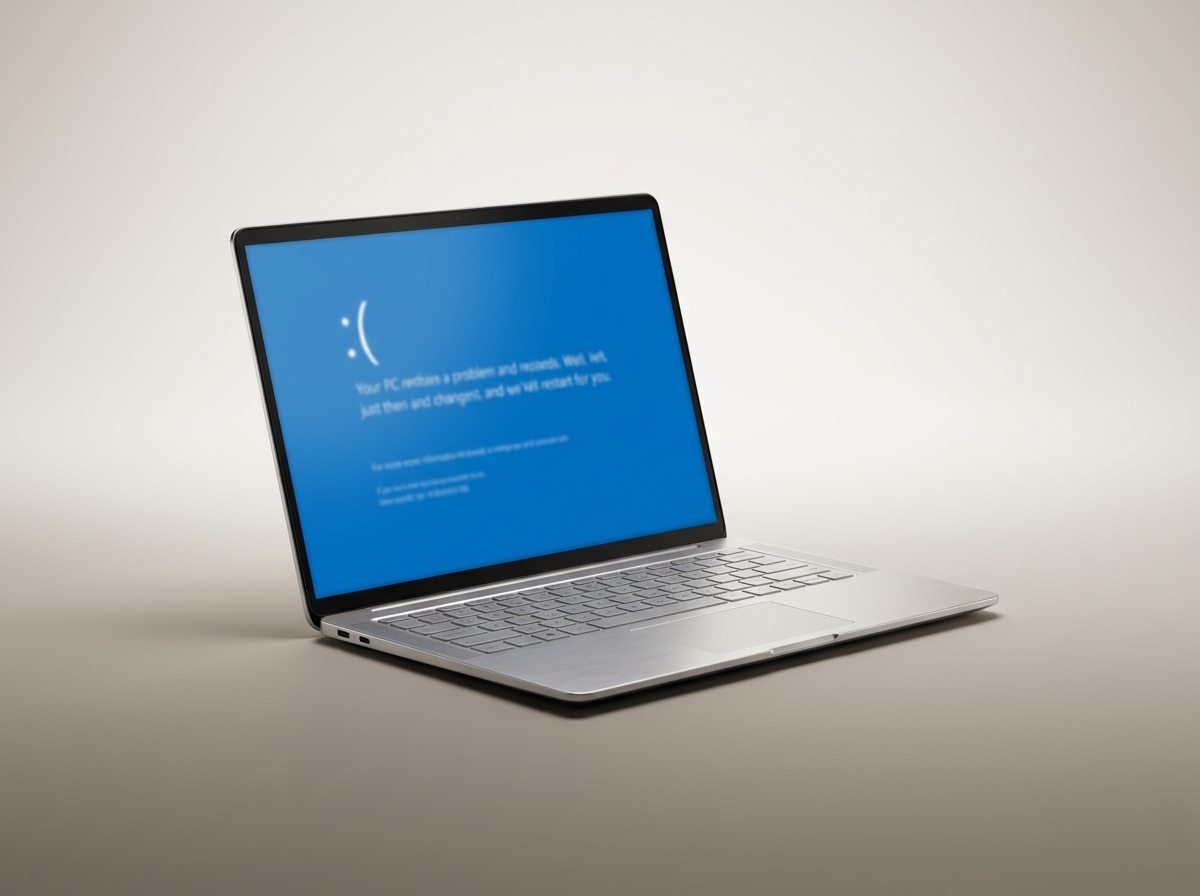
A blue screen isn't random noise. It's Windows naming the exact thing that failed. Here's how to read it before you panic and reinstall everything.
A battery that dies by lunchtime isn't always a dead battery. Before you pay for a replacement, check these common culprits first.
Roaring fans, a case too hot to touch, sudden shutdowns: overheating shortens the life of every component. Here is what causes it and how to stop it.
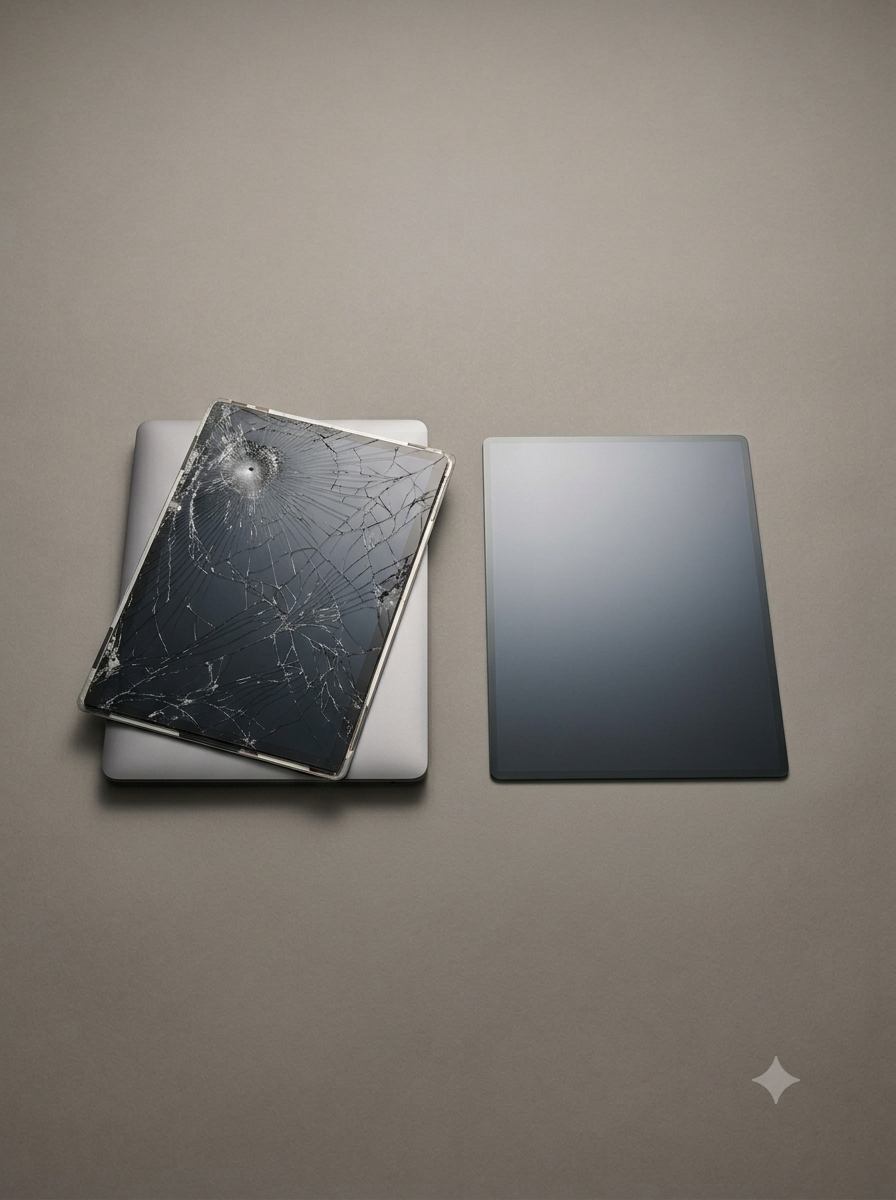
Flickering, lines, dark patches: some screen problems are cheap fixes, others mean it's time for a replacement. Here's how to tell the difference.
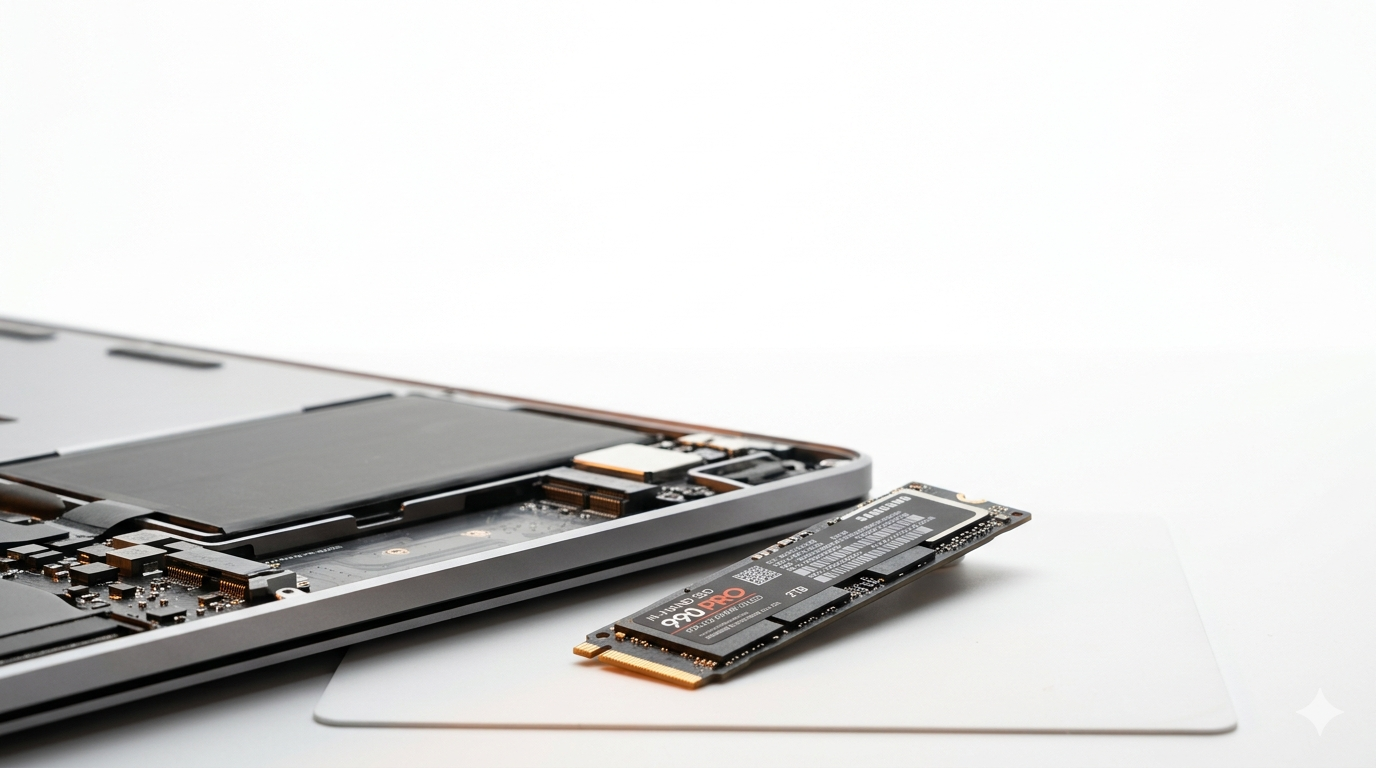
Before you write off a slow laptop as too old to save, consider this: a single SSD swap is often the highest-impact upgrade you can make.
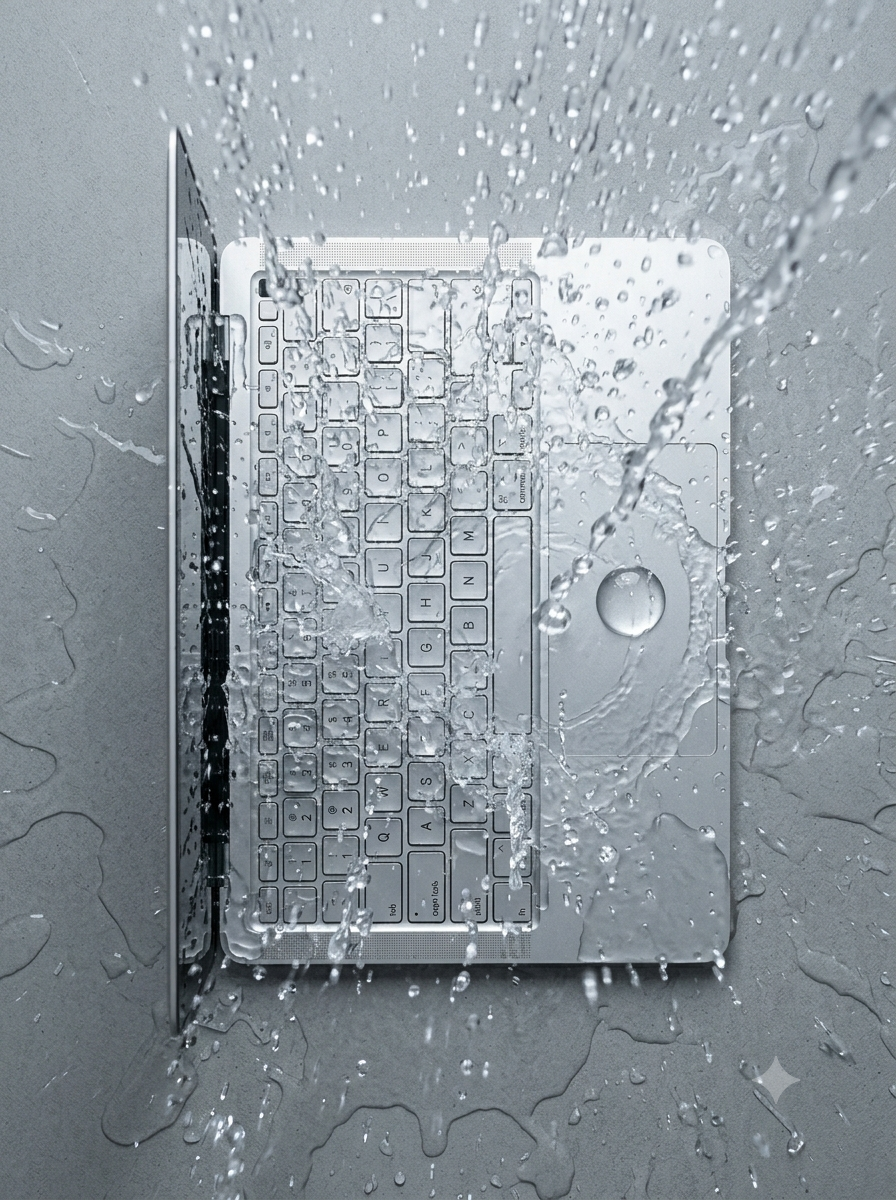
Spilled coffee on your keyboard? What you do in the next ten minutes matters more than anything a repair shop can do afterwards.
Sluggish, full of pop-ups, fans always running? Here’s how to work out whether you need a clean-up or a malware removal.
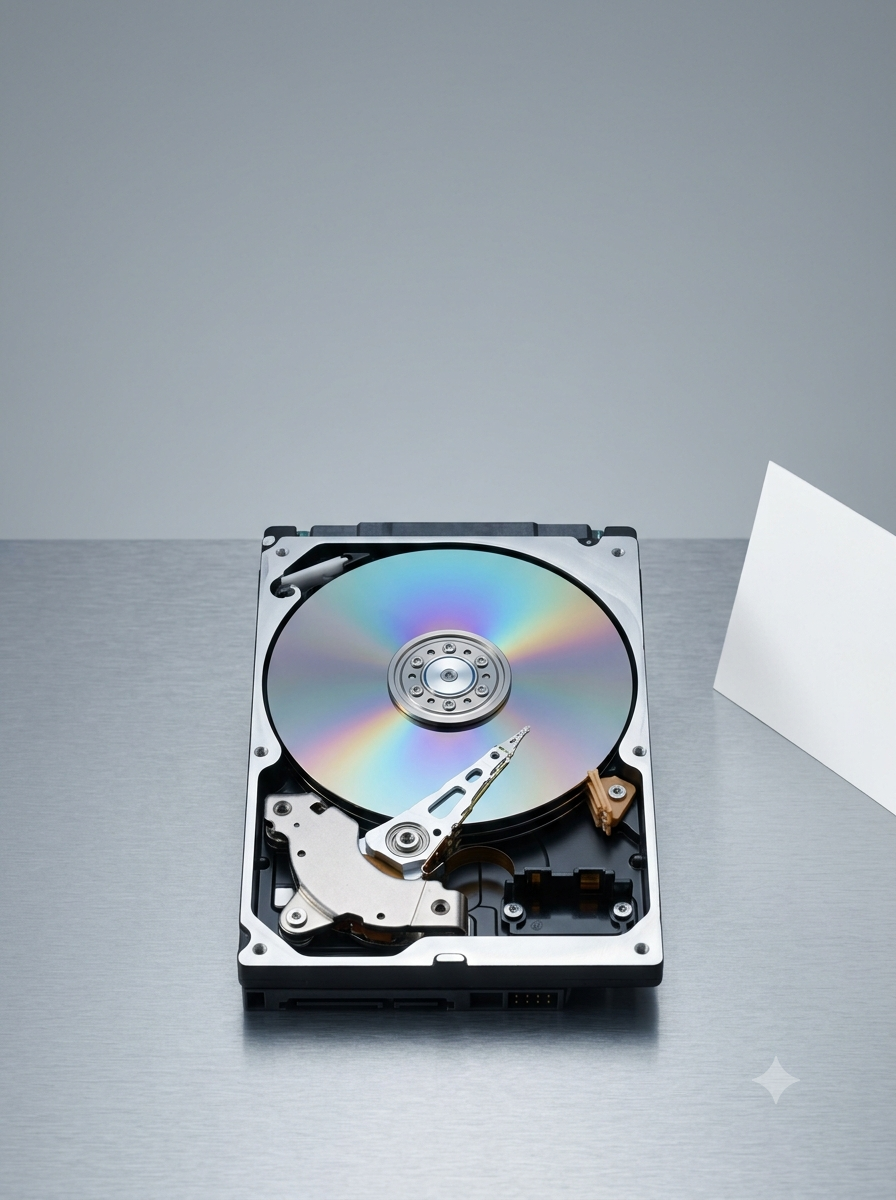
Lost files or a drive that won’t boot? A few wrong moves in a panic can turn a recoverable drive into an unrecoverable one.