If your laptop takes minutes to boot, freezes when you open a browser with a few tabs, or just feels sluggish compared to when it was new, the hard drive is very often the bottleneck, not the CPU or RAM.
Why hard drives (HDDs) feel so slow
Traditional hard drives use a spinning magnetic disk and a physical read/write head. Every file request means physically moving that head into position, which is why HDDs struggle to keep up with modern operating systems, even on a fast processor.
What changes with an SSD
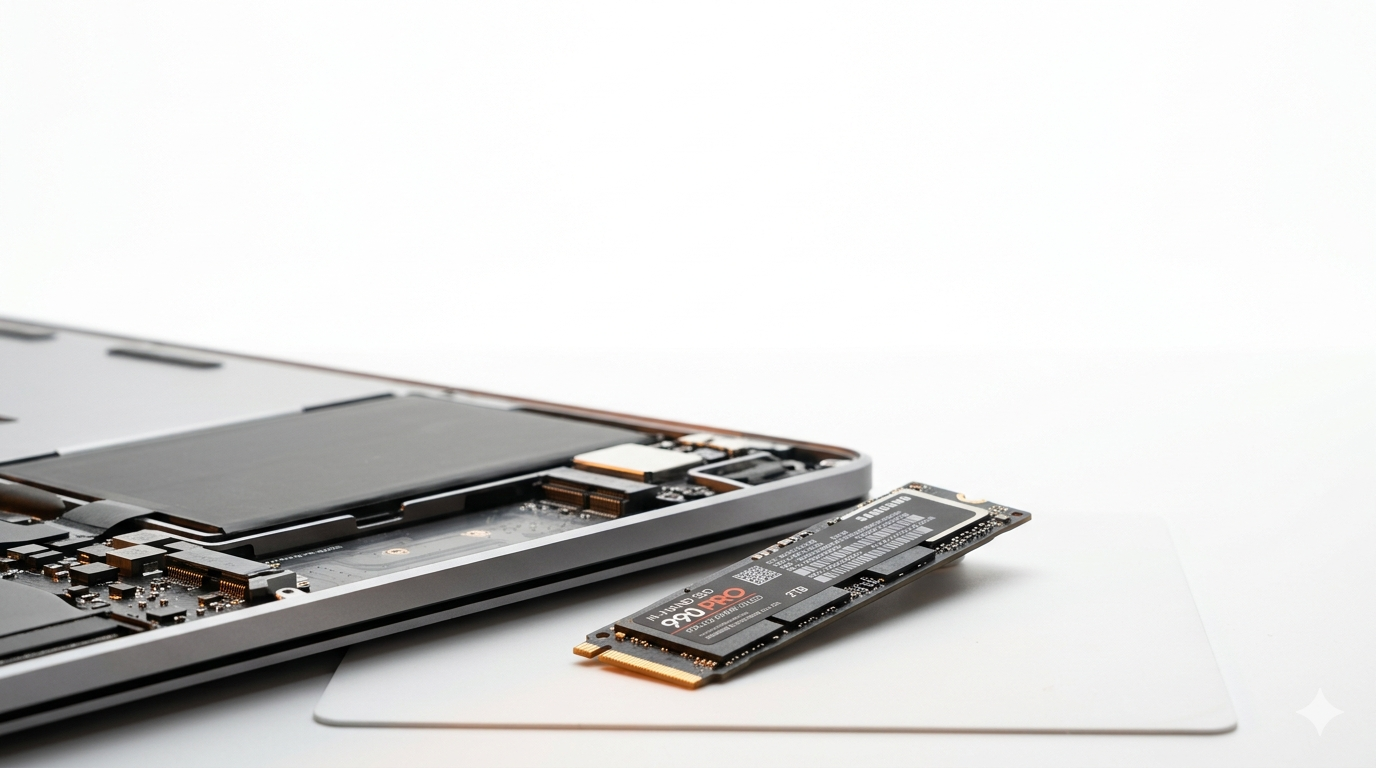
Solid-state drives have no moving parts. Data is read and written electronically, which is typically 10-20x faster for everyday tasks like booting, opening applications, and file transfers. Laptops that took 3-4 minutes to boot often start in under 15 seconds after the swap.
Is it worth it on an older laptop?
In most cases, yes. If the rest of the machine (screen, keyboard, battery) is still in good shape, an SSD upgrade is usually far cheaper than buying a new laptop and gives you a machine that feels genuinely new for day-to-day use.
What about my files?
We clone your existing drive onto the new SSD as part of the upgrade, so your files, settings and installed programs come across exactly as they were, no reinstalling Windows or macOS from scratch.
SSD upgrades start from $129 including the drive, and most are done same day.
Need this fixed?
Book a free diagnostic assessment. Same-day repairs available.