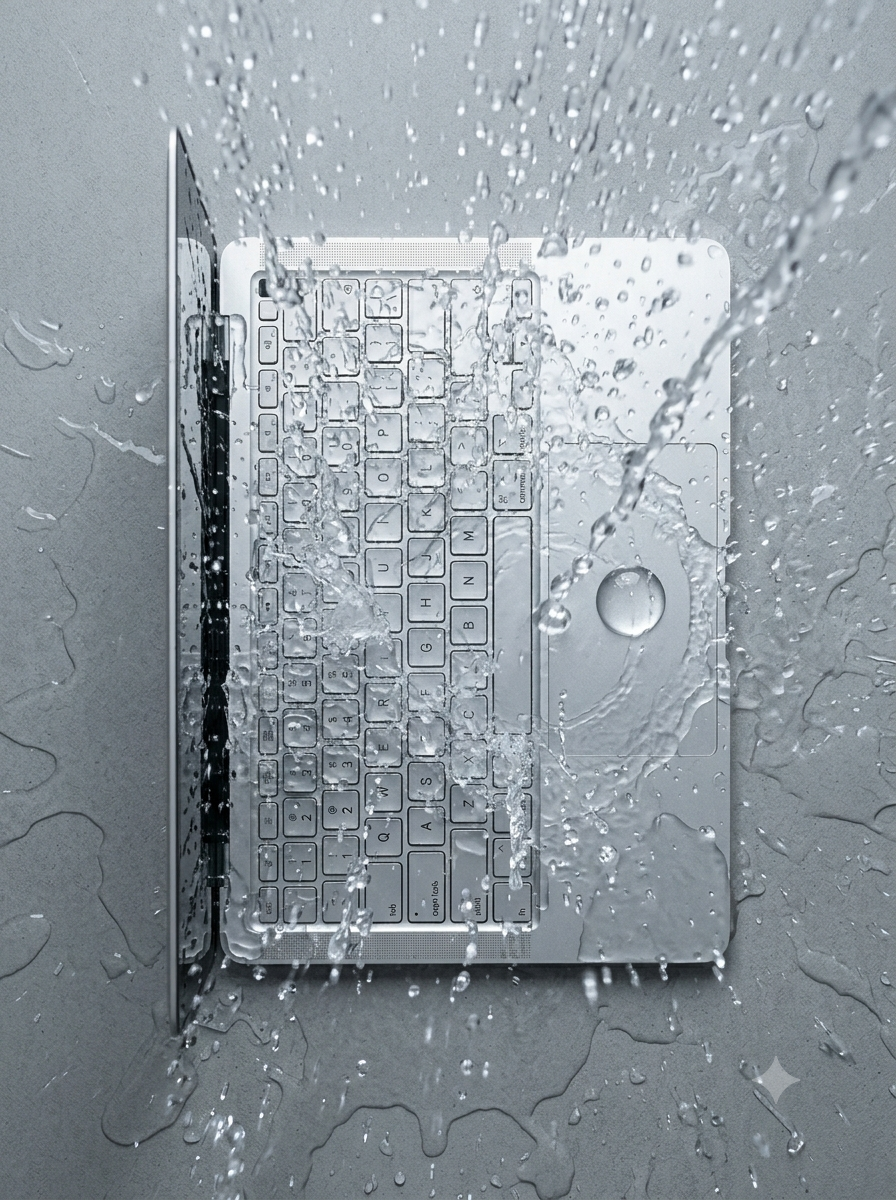
Liquid damage is one of the most common, and most save-able, laptop emergencies, but only if you react quickly and correctly. Panic and the wrong instinct (like reaching for a hairdryer) can cause more damage than the spill itself.
1. Shut it down immediately, don’t just close the lid
Hold the power button until it switches off completely. Closing the lid on a sleeping laptop keeps power flowing to the components, which is exactly what causes a short circuit and permanent damage.
2. Unplug it and remove the battery if you can
Disconnect the charger straight away. If your model has a user-removable battery, take it out. This cuts all power to the board while the liquid is still present.
3. Turn it upside down in a tent shape
Stand the laptop like an open book, screen and keyboard facing down, so any liquid drains out and away from the motherboard rather than pooling inside.
4. Don’t turn it back on to “check”
It's tempting to power on and see if it still works. Resist it. Powering on a wet board is the single most common cause of liquid damage becoming unrepairable.
5. Skip the rice, skip the hairdryer
Rice doesn't pull moisture out of tight spaces like a keyboard or logic board, and hot air can push liquid further inside or warp components. Get it to a technician within 24 hours for a proper strip-down and clean.
What we do differently
We fully disassemble the machine, clean the affected components with isopropyl alcohol, and inspect for corrosion before anything is powered back on. We've saved hundreds of laptops other shops had already written off. A free diagnostic will tell you exactly where things stand.
Need this fixed?
Book a free diagnostic assessment. Same-day repairs available.