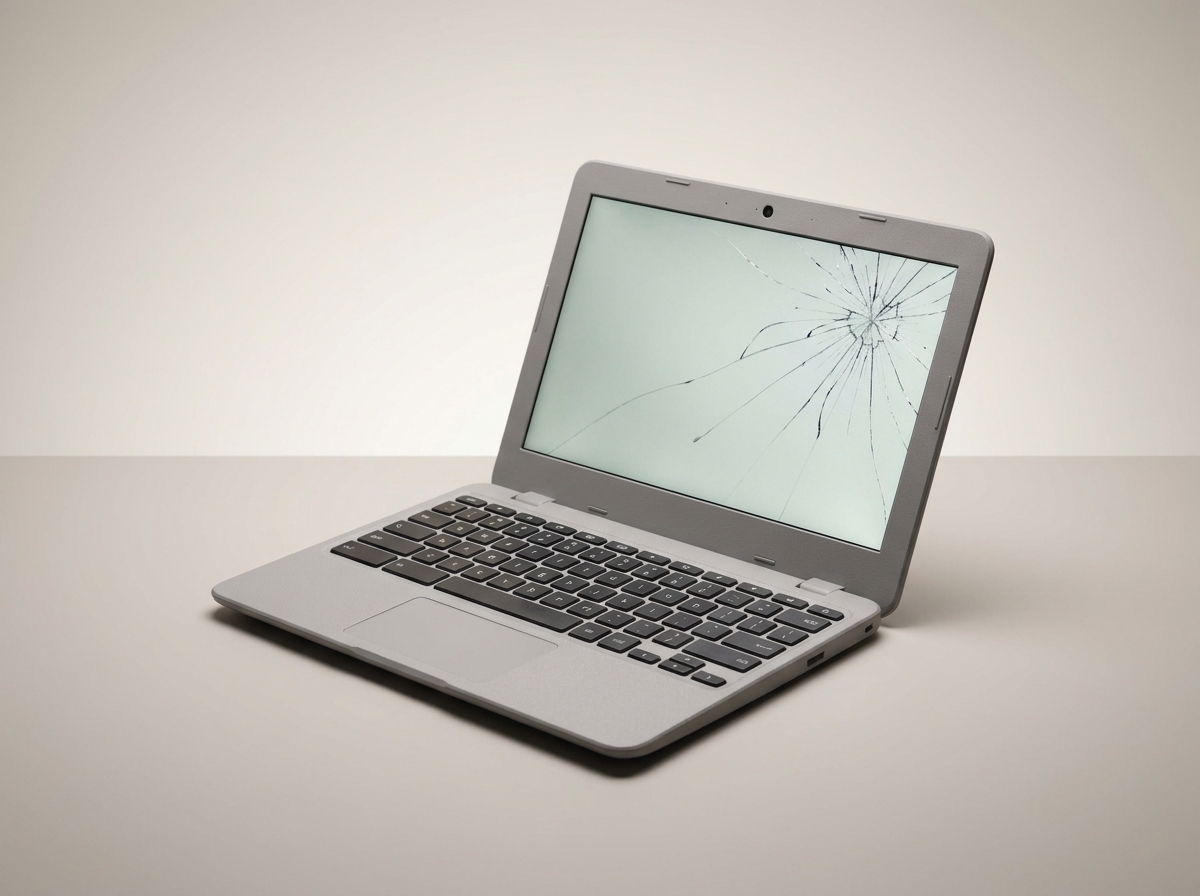
Whether it's an accidental deletion, a corrupted drive, or a laptop that won't boot at all, the instinct is to try everything yourself first. Unfortunately, that's exactly how many recoverable situations become unrecoverable ones.
Stop using the device immediately
Every time you save a new file, install software, or even just keep using a drive with missing files, you risk overwriting the exact data that could otherwise have been recovered. If something important goes missing, stop using that drive right away.
Don't run "repair" tools on a failing drive
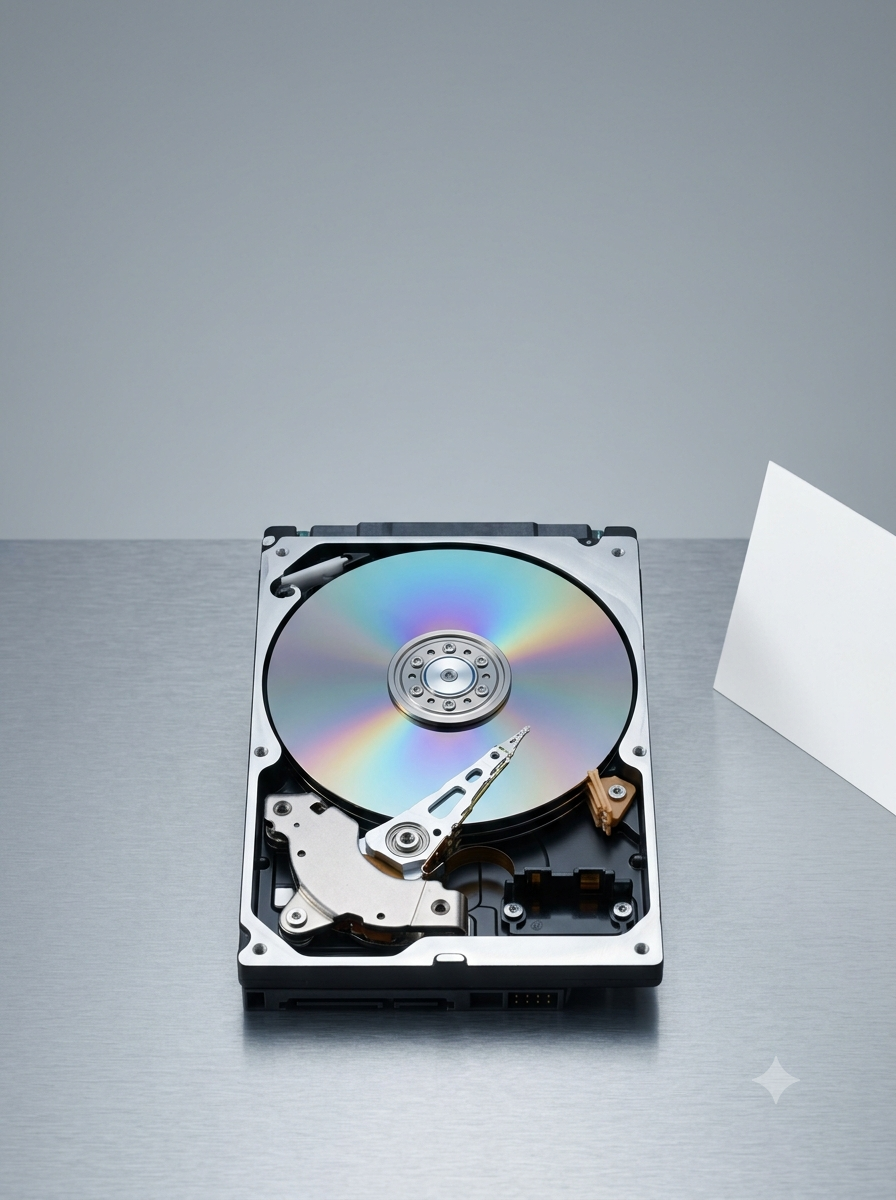
Disk repair utilities are built to fix a healthy drive with a small logical error, not a drive that’s physically failing. Running one on a drive making unusual noises can do more damage and reduce the chance of recovery.
Listen for clicking, grinding or repeated spin-up sounds
If a hard drive is making noise it didn't make before, that's a mechanical fault, not a software one. Powering it on repeatedly to “try again” only increases the risk of permanent data loss.
What we can usually recover
Accidentally deleted files, corrupted partitions, drives that won't mount, and, in many cases, mechanically failing drives, using specialist recovery hardware and clean-room techniques where needed.
Diagnostics start from $99, and we'll always tell you the likelihood of recovery before any work begins. No recovery, no charge.
Need this fixed?
Book a free diagnostic assessment. Same-day repairs available.