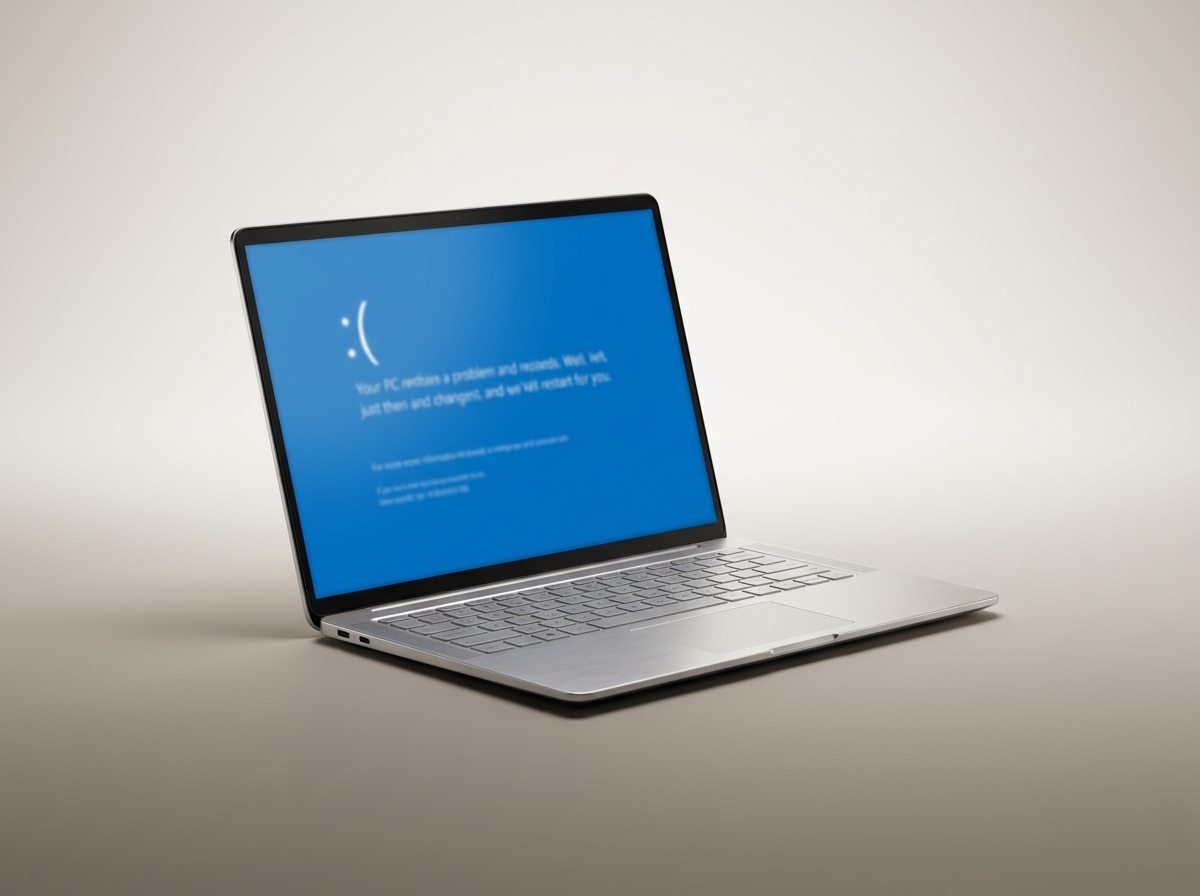
Nothing ruins a Tuesday like a laptop dropping into a blue screen mid-task. The instinct is to assume the worst and start browsing new laptops. Before you do that, it helps to know a blue screen is actually Windows trying to help you. It's naming the exact driver or component that failed, in a language most people never learn to read.
The stop code is the important part
Every blue screen shows a code like IRQL_NOT_LESS_OR_EQUAL or PAGE_FAULT_IN_NONPAGED_AREA near the bottom of the screen. That code points at a category of fault: a driver conflict, a memory error, a corrupted system file, or failing storage. Guessing without it wastes time.
Driver conflicts are the most common cause
A recently updated graphics driver, printer driver, or third-party antivirus is behind a large share of the blue screens we see. If yours started right after a Windows update or a new piece of hardware, that's the first place to look.
Sometimes it is memory or a dying drive
RAM faults and failing hard drives or SSDs both produce blue screens, usually with codes that mention memory management or a specific hardware address. These need proper hardware testing, not a reinstall, since a fresh install of Windows won't fix a physically failing stick of RAM.
What not to do
Reinstalling Windows from scratch every time a blue screen shows up fixes the symptom for a while and wipes out anything useful on the drive. It also skips the diagnosis, so if the cause is hardware, the same crash comes back on the new install.
When to bring it in
One blue screen after an update is usually nothing to worry about. Repeated crashes, especially ones that happen randomly rather than after a specific action, are worth a proper look. We read the stop code, test the RAM and drive, and check for driver conflicts before touching anything else, so you're not paying to have Windows reinstalled if the real problem is a $40 stick of RAM.
Need this fixed?
Book a free diagnostic assessment. Same-day repairs available.